

How To Safely Remove Your Screen Protector At Home
Nov 14, 2025
Leave a message

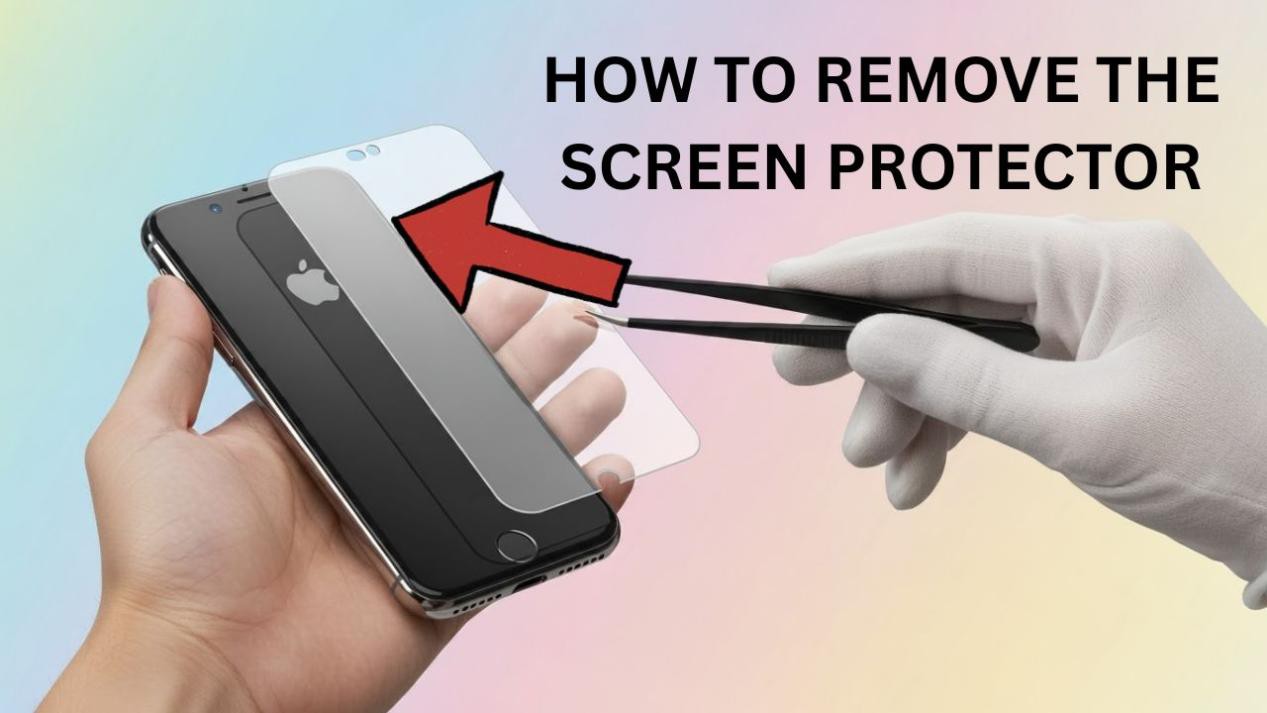
Removing an old screen protector sounds simple - until you're left with lifted corners, trapped dust, or sticky residue across the glass. Done correctly, it takes a couple of minutes and leaves the screen perfectly clean and ready for a fresh film. Here's the safe, repeatable method our technicians use.
In today's world, your smartphone is an essential part of life. That's why replacing or upgrading your screen protector correctly matters more than most people think. Here's how to do it like a pro.
What You'll Need
· A thin plastic card (an old bank card works) or a guitar-pick spudger
· A clean microfiber cloth
· Isopropyl alcohol (70%+) for residue
· Optional: a hair dryer or heat source on low for stubborn adhesive
· Optional: a strip of clear tape
Know Your Protector Type First
Removal technique depends on the material. Hydrogel and PET films are thin and flexible - lift gently from a corner and they peel away. Tempered glass is rigid - lift slowly to avoid cracking it into shards. Matte films behave like hydrogel but can be more brittle at the edges. Identifying the type first prevents most accidents.
Step-by-Step Removal
· 1. Warm it (optional). For stubborn adhesive, warm the edges for 10–15 seconds on low heat to soften the glue.
· 2. Lift one corner. Use a fingernail, the plastic card, or press a piece of clear tape onto a corner and pull up to start the lift.
· 3. Slide underneath. Work the plastic card slowly under the film, keeping it flat against the protector - not the screen.
· 4. Peel at a low angle. Pull gently and steadily; a shallow angle reduces the chance of the film snapping or glass cracking.
· 5. Handle damage carefully. If the protector is cracked, cover it with clear tape first so loose fragments lift away together.
· 6. Clean the screen. Wipe any residue with isopropyl alcohol on a microfiber cloth, then dry - never use abrasive cloths or excess liquid near ports.
Removing Adhesive Residue
Most clean removals leave little behind. For glue marks, dampen a microfiber cloth with isopropyl alcohol (not the screen directly), wipe in one direction, and finish with a dry pass. Avoid acetone or household solvents, which can damage oleophobic coatings.
When to Replace Instead of Reapply
If your protector is scratched, peeling, or clouding, it has done its job - replace it rather than re-seating it. Seehow to tell it's time to replace your screen protector. A precise, edge-to-edge replacement matters most on curved screens.
Get a Perfect Replacement Fit
The cleanest result comes from a film cut exactly to your device. Purcell'son-demand cutting machines and
premium protective films deliver an edge-to-edge fit with refined, low-residue adhesive - so the next removal is even easier.
Related Products & Reading
· When To Replace Your Screen Protector
· Phone Screen Protector Films